Bulk Translate
Bulk Translate finds every OID in a block of pasted text, such as snmpwalk output, a configuration file or a log, and resolves each one to its MIB-qualified name in a single operation. This article describes how to open the tool, the four OID notations it recognizes, the results table, the Translated text panel, searching and exporting results, and resolution against MIBs that were uploaded but not saved.
Opening the tool
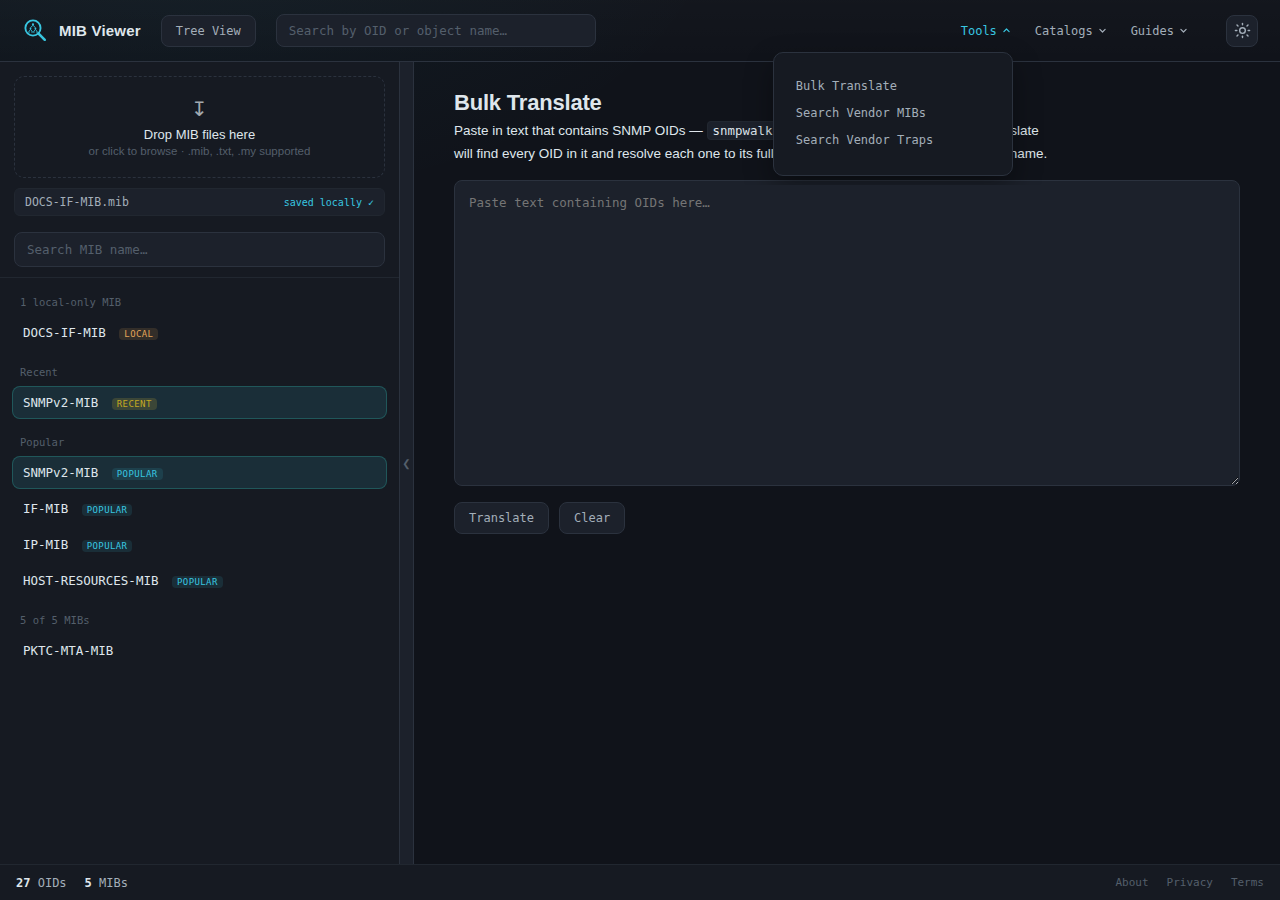
Bulk Translate is listed in the Tools menu in the top toolbar, alongside Search Vendor MIBs and Search Vendor Traps. Selecting it opens a page with a text box. Text is pasted into the box and the Translate button starts the translation.
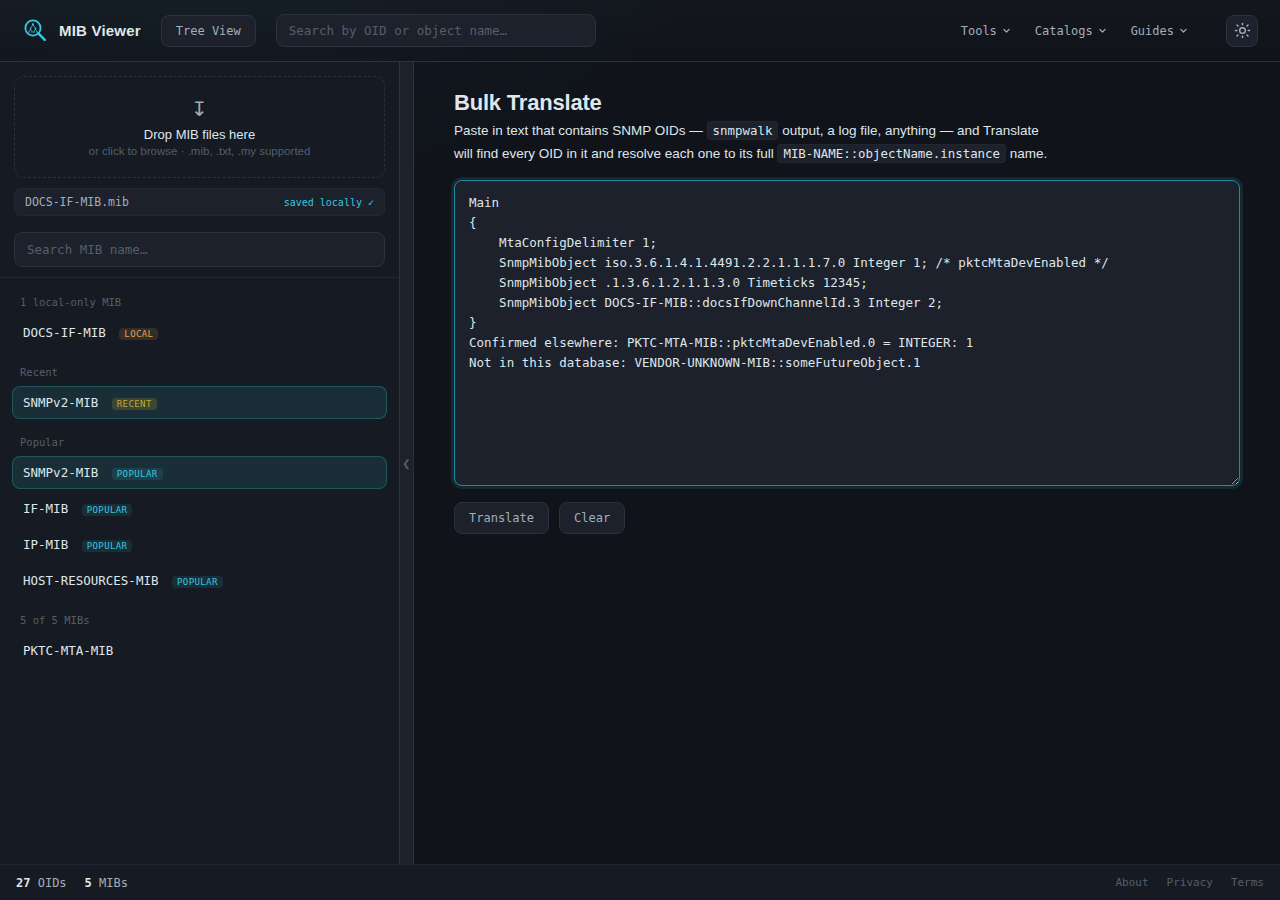
The pasted text may be in any format. Configuration files, snmpwalk output, log excerpts and plain lists of OIDs are all accepted. Every OID found is translated, and all other text is left unchanged.
Recognized notations
A single scan detects all of the following forms, which can be mixed in the same text:
- Plain numeric OID -
1.3.6.1.2.1.1.3.0 - Numeric OID with a leading dot, the form printed by
snmptranslate-.1.3.6.1.2.1.1.3.0 - Root-arc name in place of the numeric prefix, optionally preceded by a module name -
iso.3.6.1.4.1.4491.2.2.1.1.1.7.0orSNMPv2-SMI::enterprises.2636.3.1 - Symbolic reference -
PKTC-MTA-MIB::pktcMtaDevEnabled.0
The first two forms are equivalent spellings of the same numeric OID. The third replaces the leading digits with the name of the arc they represent, as in iso or enterprises; this form appears in vendor configuration examples and in the output of some tools. The fourth is already symbolic. It is detected so that its numeric OID can be shown in the Translated text panel.
Results table
Each distinct OID or reference is listed once.
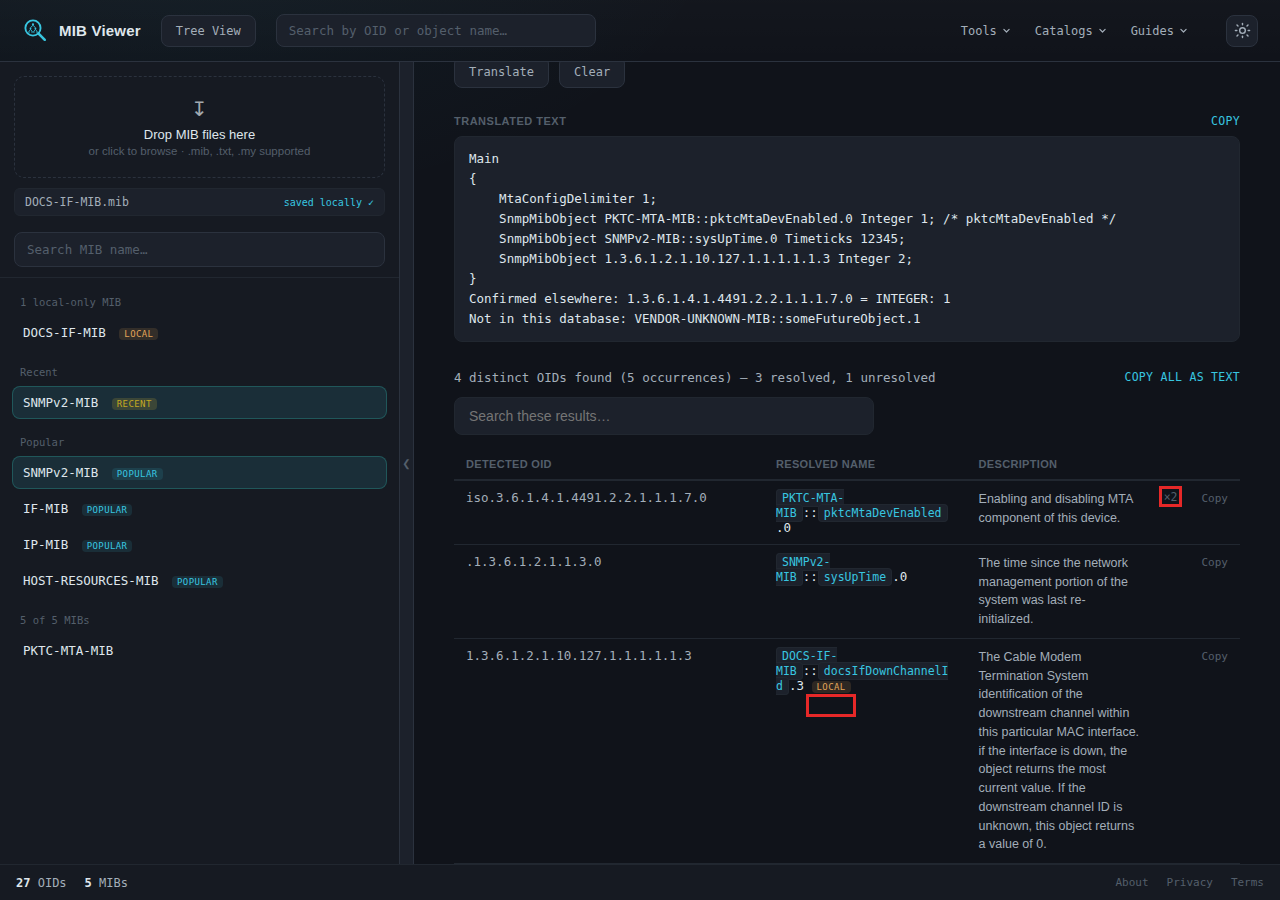
- Detected OID is always shown in numeric form, including for references that were symbolic in the source text.
- Resolved name is the full
MIB-NAME::objectName.instancetranslation, displayed as links. - Description is the description of the object in its MIB, where one exists.
- A ×N badge indicates that the same OID or reference occurred N times in the text.
- Copy copies the resolved name, or the detected text if the reference was not resolved.
- A LOCAL badge indicates resolution against an uploaded MIB that has not been saved. See the final section.
References that cannot be resolved from the shared database or from an uploaded MIB are still listed and are marked unresolved, with no description or links.
Navigating to a result
Selecting a resolved name, or the MIB name before it, opens the page for that object or that MIB.
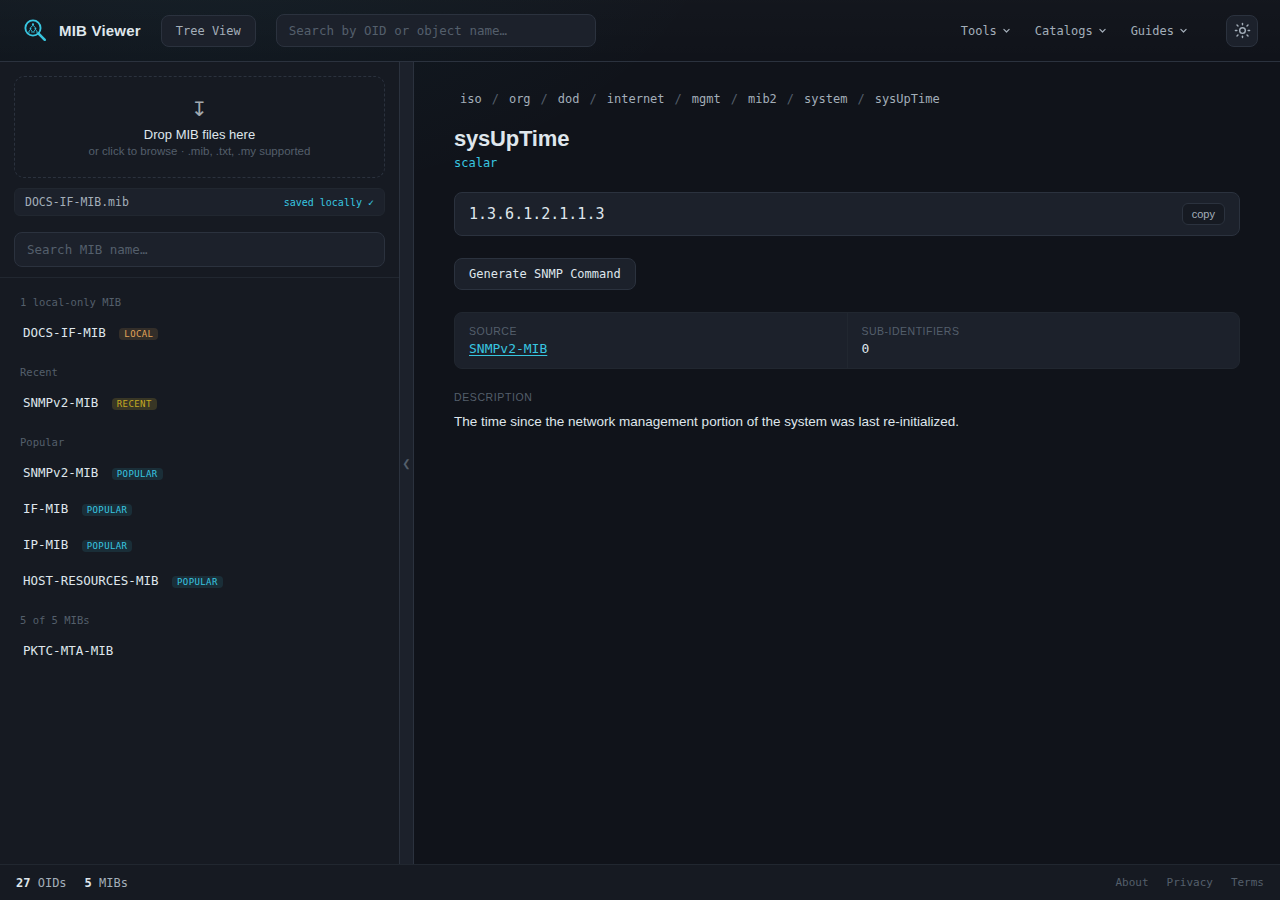
sysUpTime, opened from the results table.Translated text panel
The Translated text panel above the table repeats the pasted text with each detected reference replaced by the opposite notation:
- A numeric reference, or one using a root-arc name, is replaced by its symbolic name. For example,
iso.3.6.1.4.1.4491.2.2.1.1.1.7.0becomesPKTC-MTA-MIB::pktcMtaDevEnabled.0. - A symbolic reference is replaced by its numeric OID. For example,
PKTC-MTA-MIB::pktcMtaDevEnabled.0becomes1.3.6.1.4.1.4491.2.2.1.1.1.7.0.
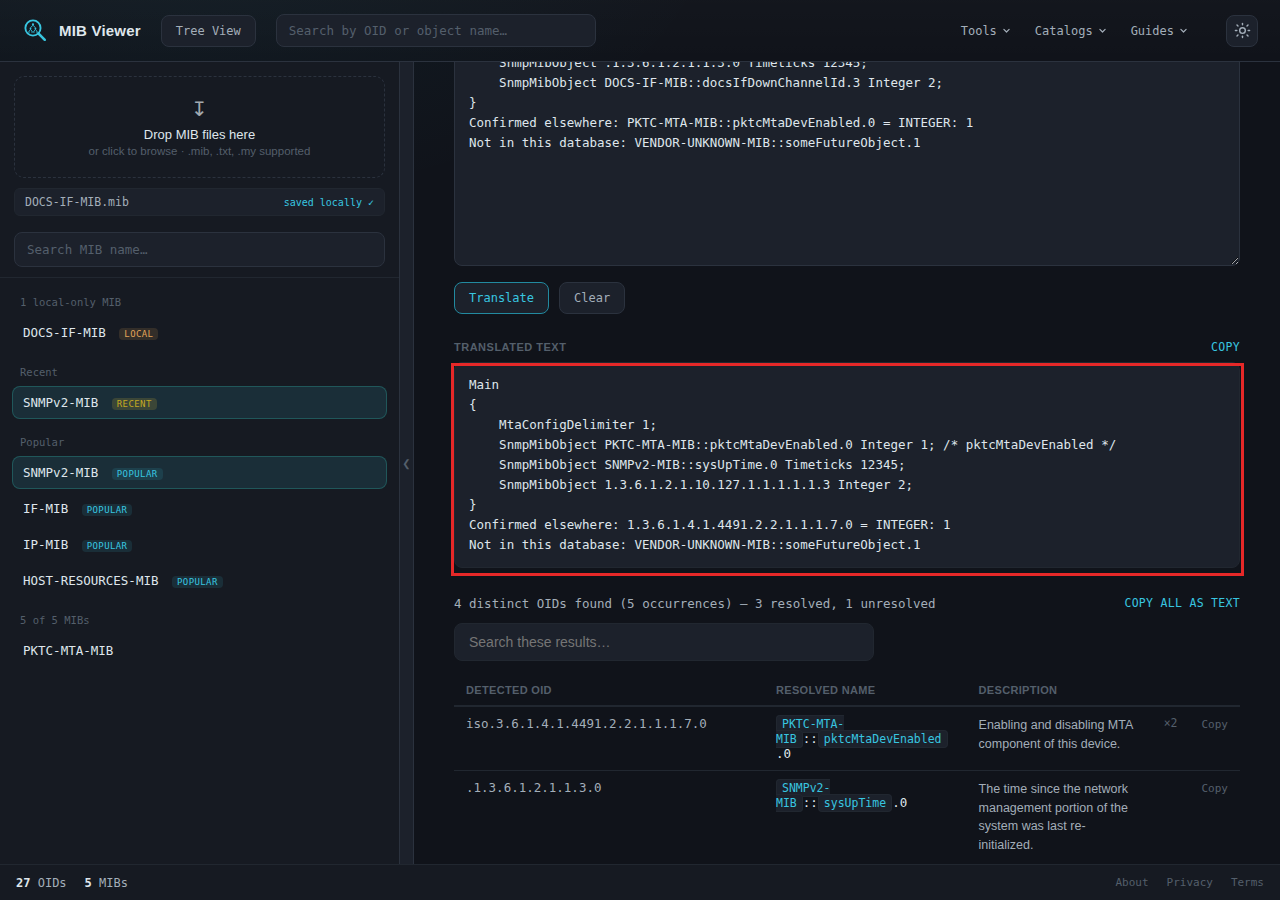
References that cannot be resolved are left as they were typed. In the example, the line containing VENDOR-UNKNOWN-MIB::someFutureObject.1 is unchanged for this reason.
Searching and exporting results
The search box above the table filters the rows as text is typed. It matches against the detected OID, the resolved name and the description. Entering local shows only the rows with a LOCAL badge.
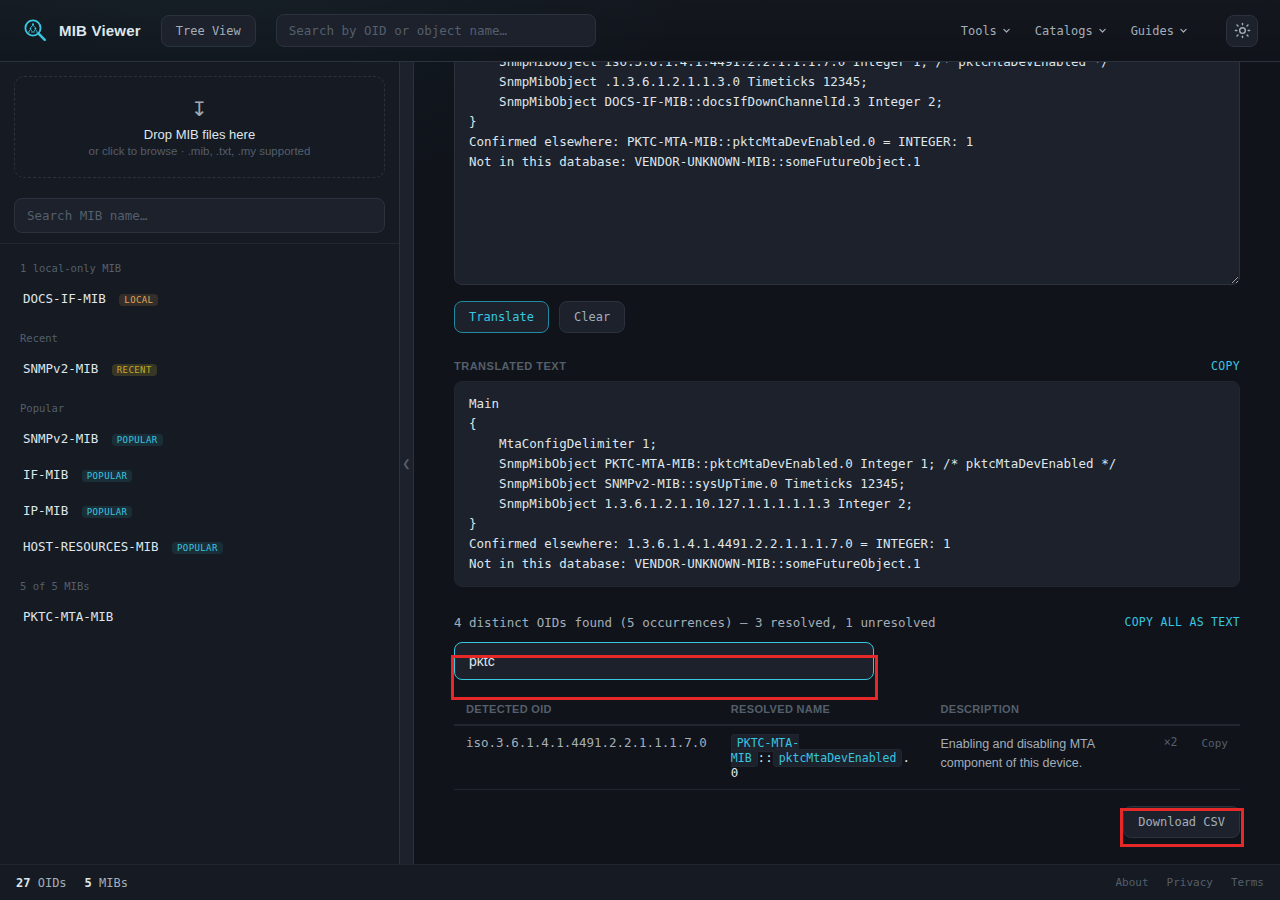
pktc. The Download CSV button, at the bottom right, exports every result and is not affected by the filter.The CSV file contains one row per result. Its columns are the detected OID, the full resolved name, the MIB, the object, the instance, the description and the occurrence count.
Resolution against uploaded MIBs
Bulk Translate also searches MIBs that were uploaded during the current session but not saved to the shared database. The shared database is searched first. An uploaded MIB is used only for references that the database cannot resolve to the same depth in the OID tree.
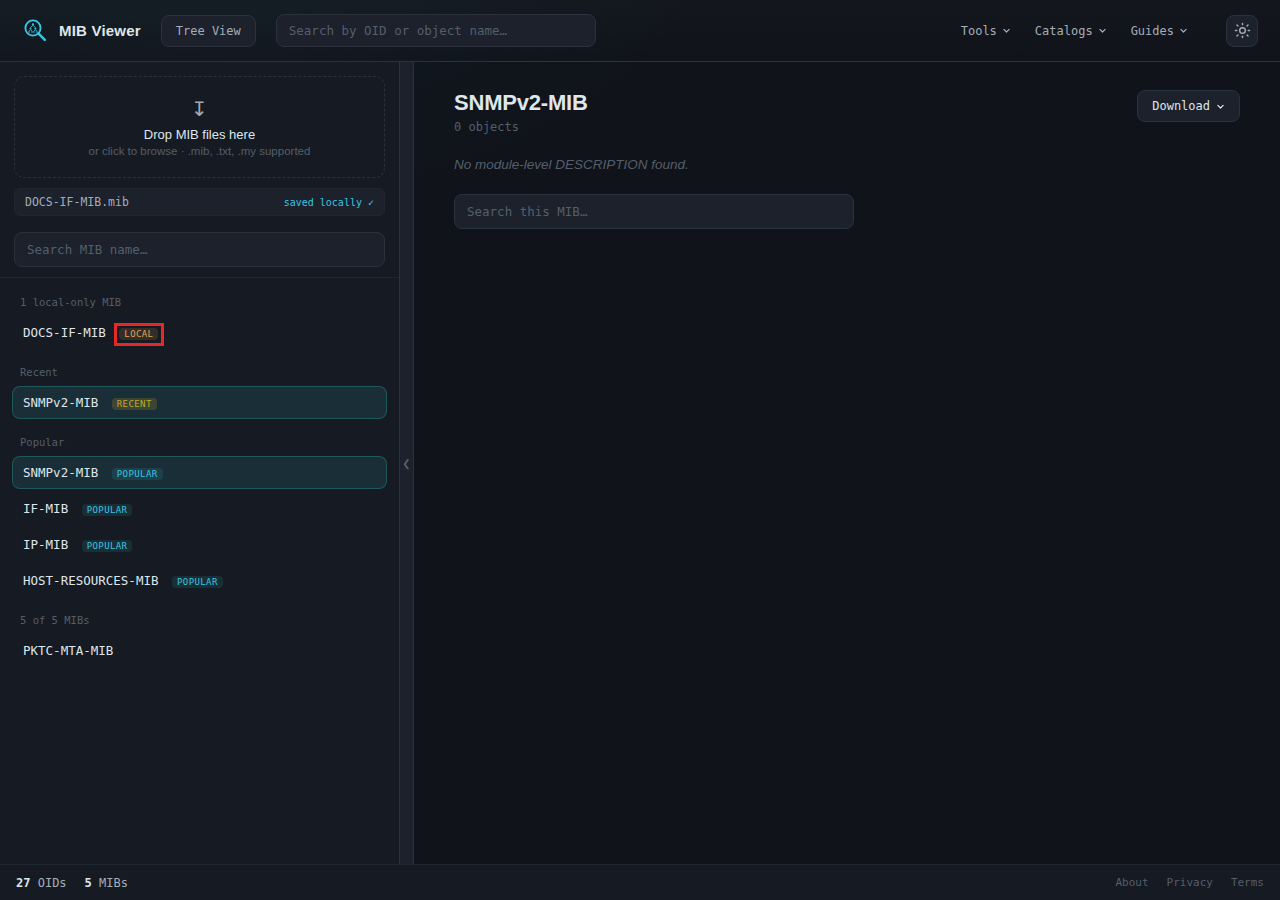
An uploaded MIB is held only in the memory of the browser tab, so it is available until the page is refreshed. Uploading MIBs describes which data persists after a refresh.